


Enhance Your Knowledge
Web Design & SEO Glossary Terms
 1.
1.
A/B Testing - Analytics & Performance
A/B testing compares two versions of a webpage or email to see which drives more conversions. By isolating one variable at a time, you can optimize based on data—not guesses. Higher conversion rates mean more sales and better ROI.
➡️ Learn how 2.
2.
Above the Fold - Web Design, User Experience
Above the fold" means content visible without scrolling. This prime space should contain your most important message and call-to-action. What appears here varies by device, so test carefully.
➡️ SEO audits 3.
3.
Algorithm - Search Engine Optimization
A search algorithm is Google's system for ranking websites based on relevance, quality, and user experience. Understanding it helps you stay visible in search results.
➡️ Stay ahead
4.
Agile Development - Web Development
Agile breaks projects into small cycles called "sprints," allowing teams to adapt quickly to feedback and changing requirements.
➡️ Learn how 5.
5.
AJAX - Web Development
AJAX (Asynchronous JavaScript and XML) updates parts of a webpage without reloading the entire page. This creates smoother, faster experiences—like loading new content or submitting forms in the background. Users stay engaged.
➡️ Site speed 6.
6.
Alt Text - Web Design, SEO
Alt text is a description of an image in HTML code. It helps search engines understand images, improves accessibility for screen reader users, and appears when images fail to load. Good alt text boosts SEO.
➡️ See how
7.
Backend Development - Web Development
Backend development handles the server-side of websites—databases, server configuration, and application logic. Backend developers work with languages like PHP, Python, and Ruby to build the functionality users don't see but websites depend on.
➡️ SEO
8.
Backlinks - SEO
Backlinks are links from other websites pointing to yours. They act as "votes of confidence" and are one of Google's top ranking factors. Quality matters more than quantity—a few links from authoritative sites can dramatically improve your search visibili
➡️ Learn more
9.
Bandwidth - Web Development, Analytics & Performance
Bandwidth is the maximum rate data transfers across a network, measured in bits per second. Higher bandwidth means faster loading for media-rich sites. Insufficient bandwidth causes slow performance.
➡️ Site speed
10.
Cache - Web Development, Analytics & Performance
Cache temporarily stores website files like images and CSS so pages load faster for returning visitors. Faster sites rank better and keep users happy.
➡️ Optimize 11.
11.
Call-to-Action (CTA) - Web Design, Digital Marketing
A CTA is an element—button, link, or text—that prompts users to take action. Clear, urgent CTAs lift conversion rates significantly.
➡️ CTA
12.
Canonical Tag - SEO, Web Development
A canonical tag tells search engines which version of a page is the "master copy." It prevents duplicate content issues and preserves SEO authority.
➡️Learn how
13.
301 Redirect - SEO, Web Development
A 301 redirect permanently sends users and search engines from one URL to another. It passes most SEO value—essential when moving or deleting pages.
➡️ Redirects
14.
404 Error - Web Development, User Experience
A 404 error means "page not found." Custom 404 pages can guide visitors back to your site, reducing frustration and keeping them engaged.
➡️Links
15.
Keyword Research - Search Engine Optimization
Keyword research is the process of finding words and phrases people use in search engines—so you can create content that matches their intent. Targeting terms with high relevance and manageable competition helps drive qualified traffic.
➡️ Learn how
How to Claim a Business on Google
Learn More
What Does SEO Cost? Avoid These Costly Pricing Mistakes in 2026
Learn More
Maximizing Growth: The Essential Guide to AI Marketing
Learn More
What Makes a Good Website Stand Out?
Learn More
Small Business Web Design Essential Tips: Boost Your Online Presence
Learn More
Ecommerce Web Development Services: The Ultimate Guide
Learn More
Decoding the Mysteries of Superior Web Design Services: A Comprehensive Analysis of Their True Worth and Pricing
Learn More
Beyond Property Listings: An In-Depth Look at SEO in Real Estate
Learn More
Artificial Intelligence for SEO
Learn More
Harnessing the Power of AI for SEO: A Comprehensive Guide
Learn More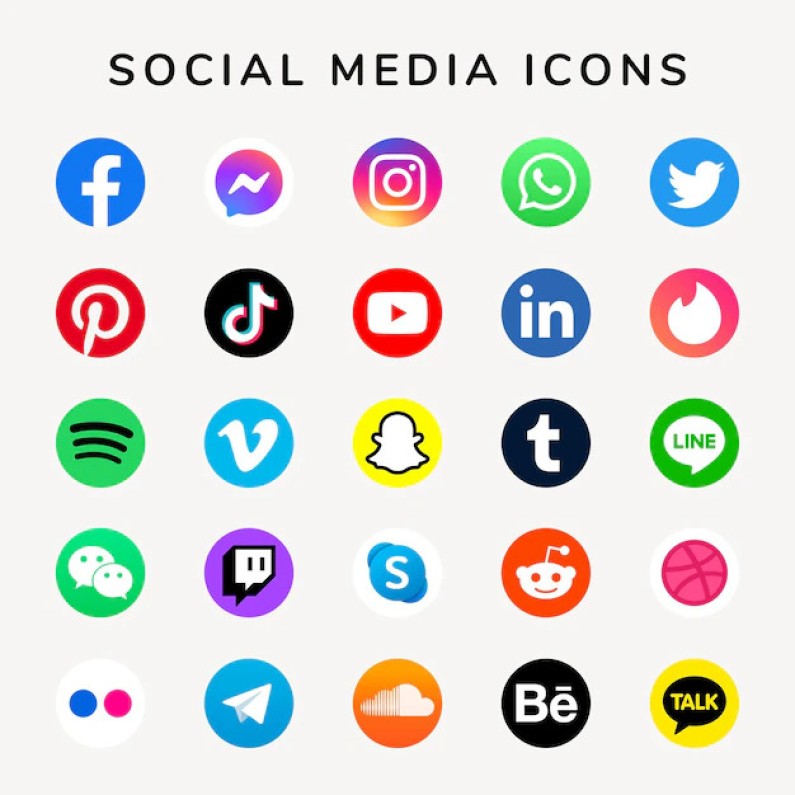
From Facebook to TikTok: Decoding the Top Social Media Platforms for Business Promotion
Learn More
3D Rendering Services and Types of Businesses That Benefit
Learn More
A Comprehensive Guide to Choosing the Best 3D Rendering Services Near Me
Learn More
Why Dallas is the Hub for Top-Notch 3D Rendering Services and How You Can Benefit!
Learn More
Digital Marketing Agency: 6 Smart Moves
Learn More